Screenshot ideas
App Store screenshots for a language learning app
Learners want proof they'll stick with it. Show a lesson that looks fun, the progress that keeps them coming back, and how they'll practice speaking.
An order that works
The first three show in search results. Put the promise there, the details after.
Slide 1
A lesson
One exercise, mid-way, with a real word or phrase.
Slide 2
Progress
Streak, level or words learned this week.
Slide 3
Speaking or listening
The practice people expect a book can't give them.
Slide 4
Languages
Which languages, and from which language.
Slide 5
Reminders and goals
Daily goal and the gentle nudge.
Headlines to start from
Short, about the outcome, one idea each. Rewrite them in your app's voice, or let the studio's AI write yours from your screens.
- Five minutes a day is enough
- Speak from your first lesson
- Keep your streak going
- Learn the words you'll use
- Hear it, say it, remember it
- Lessons that fit your level
- 30 languages, one app
- Practice on the go
Templates that fit
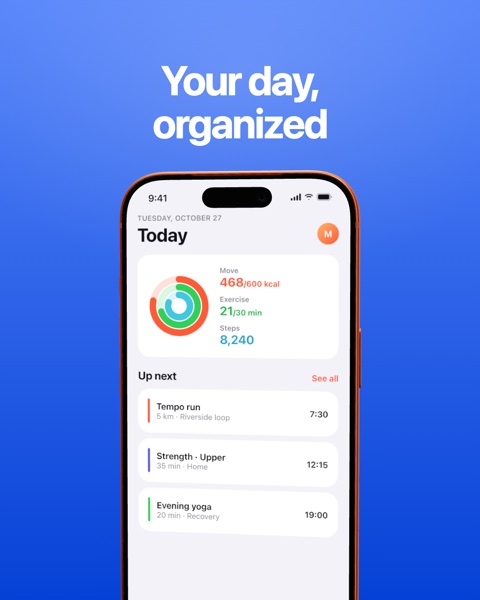
Screenshot set
One idea per slide; localize headlines into each store language.
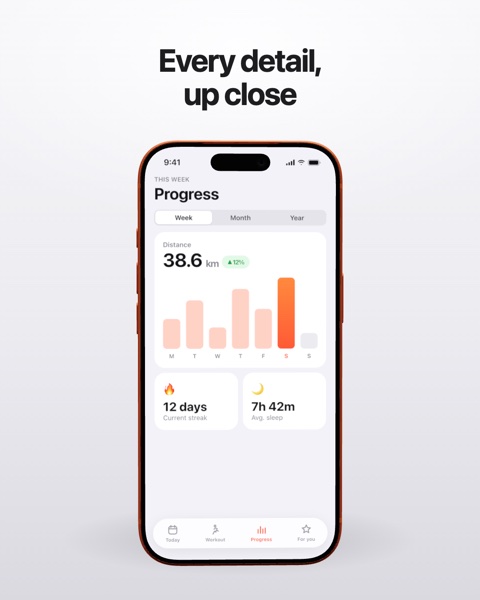
Close-up
Zooms in on the answer tapped: makes a lesson feel alive.
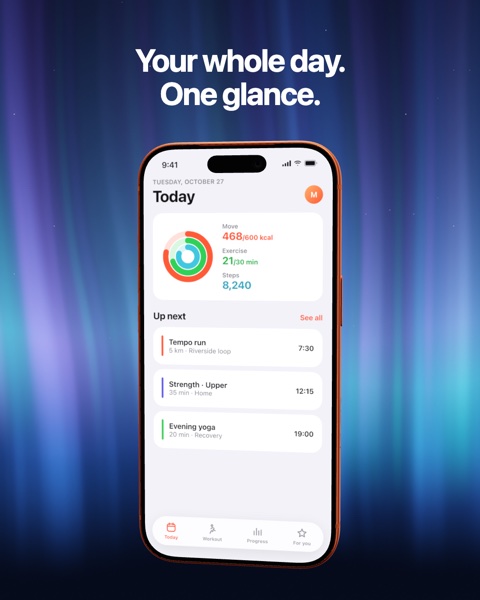
Story
Text first, then the screen: good for the first slide of a preview.
Gradient or Aurora in a friendly color; keep text color on auto so it reads on any scene.
What to avoid
- English-only screenshots in other countries' stores
- A cluttered lesson screen at thumbnail size
- Hiding which languages you teach
Questions
For a language app especially: people browse their own store in their own language. Shotcat's AI writes captions in 19 languages and makes a copy of the project for each.
App Store Connect takes 1 to 10 per device size. Most people decide from the first three, which also show in search results, so make those count and use the rest for proof and detail.
Other categories
Fitness apps
Workouts, progress and streaks: what to show first.
Finance apps
Budgets, accounts and trust: a set that feels safe.
Productivity apps
Tasks, notes and calendars: show the flow, not the menu.
Food and recipe apps
Recipes, meal plans and shopping lists that look delicious.
Travel apps
Trips, maps and bookings: show the journey.
Meditation and wellness apps
Calm, sleep and habits: a set that slows people down.
Ship the launch
you pictured.
Your screens in, a full launch kit out. In the next ten minutes.