Screenshot ideas
App Store screenshots for a recipe app
Food apps sell with photos, but the store shows small thumbnails. Lead with one strong dish, then show how the app gets dinner on the table.
An order that works
The first three show in search results. Put the promise there, the details after.
Slide 1
One great dish
A recipe screen with a big, appetizing photo.
Slide 2
Cooking mode
Steps, timers and big text while hands are busy.
Slide 3
The plan
This week's meals in one view.
Slide 4
Shopping list
Ingredients sorted by aisle, generated from the plan.
Slide 5
Discovery
Search by ingredient, diet or time.
Headlines to start from
Short, about the outcome, one idea each. Rewrite them in your app's voice, or let the studio's AI write yours from your screens.
- Dinner in 20 minutes
- Cook with what you have
- Plan the week's meals
- Your shopping list, sorted
- Step by step, hands-free
- Recipes for every diet
- Save the ones you love
- Less waste, more flavor
Templates that fit
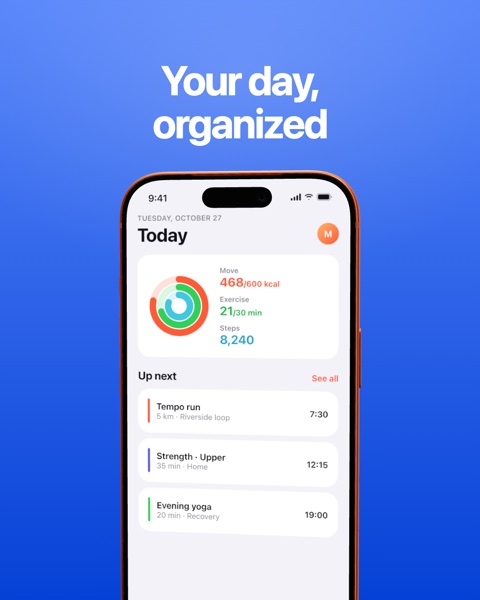
Screenshot set
Big photo screens with a short headline each.
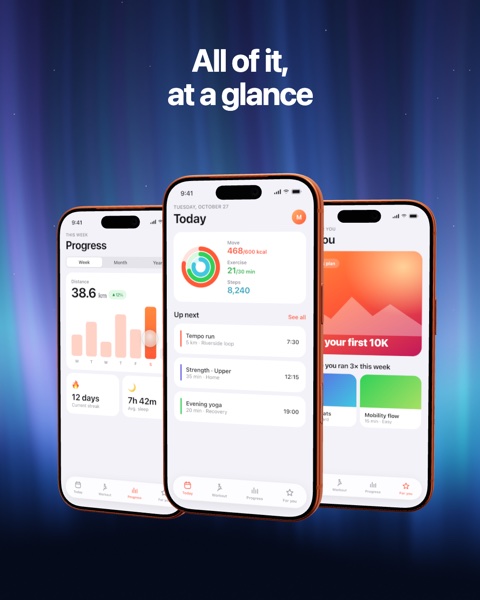
Cascade
Three phones fanned: recipe, plan and list at once.
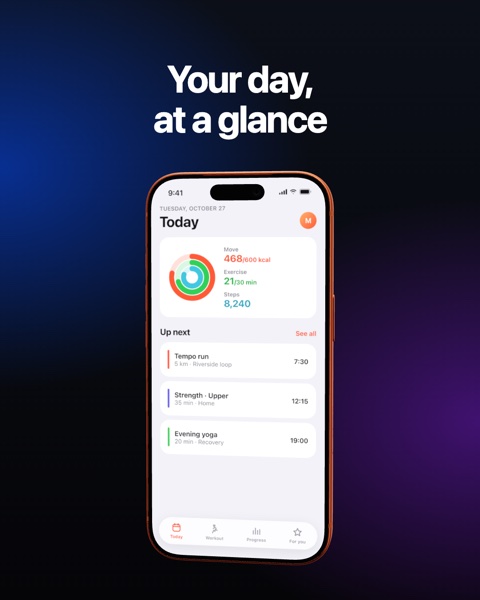
Panorama
Slides that join into one wide scene: a table of dishes.
Warm Paper or Studio scenes keep food colors natural; avoid cool blue scenes behind food photos.
What to avoid
- Small, dark food photos
- Showing a long ingredient list first
- Mixing photo styles across slides
Questions
Use the recipes' own photos in the app. For marketing scenes behind the device, the Image scene in the studio takes any picture you own.
App Store Connect takes 1 to 10 per device size. Most people decide from the first three, which also show in search results, so make those count and use the rest for proof and detail.
Other categories
Fitness apps
Workouts, progress and streaks: what to show first.
Finance apps
Budgets, accounts and trust: a set that feels safe.
Productivity apps
Tasks, notes and calendars: show the flow, not the menu.
Language learning apps
Lessons, streaks and speaking: make progress visible.
Travel apps
Trips, maps and bookings: show the journey.
Meditation and wellness apps
Calm, sleep and habits: a set that slows people down.
Ship the launch
you pictured.
Your screens in, a full launch kit out. In the next ten minutes.